Claude AI Interface
Full Stack AI Web Interface — Personal Project
No Figma, No Reference Built from Observation Alone
A personal project — no design file, no reference. The Claude AI interface was rebuilt from scratch using only careful observation of the real Anthropic UI and pen-and-paper sketches before any code was written.
Each zone — sidebar, greeting headline, input bar — was drawn by hand to lock in proportions, then translated pixel-by-pixel into Tailwind classes using Next.js and TypeScript.
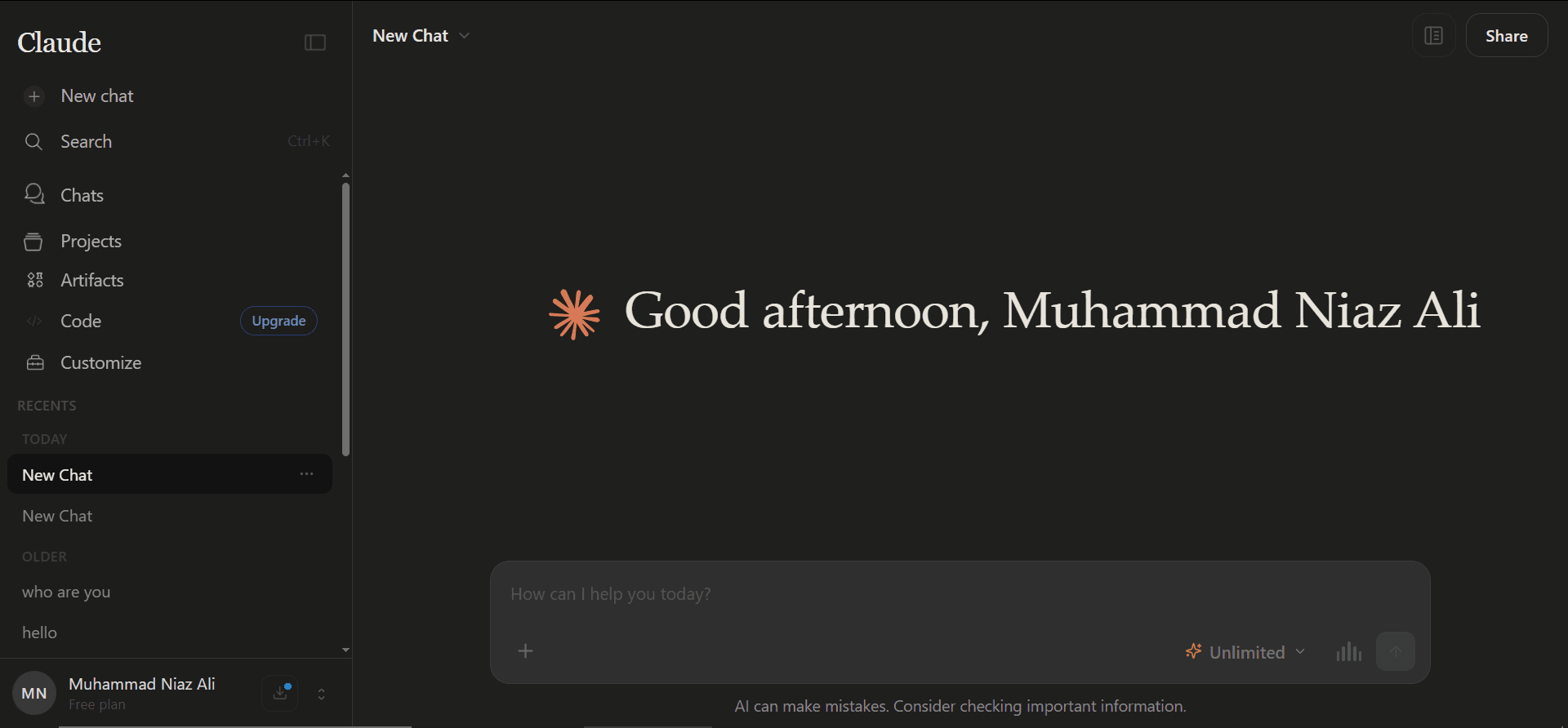
Sidebar Built from Sketch and Pure Observation
The sidebar — logo row, nav icons, recents list, user identity block — was one of the hardest sections. Every zone was hand-drawn first, then implemented with precise Tailwind classes, active states, and a collapsible mode.
- Logo row with collapse toggle
- Nav icons with labels and hover states
- Today / Older recents grouping
- User identity pinned at base
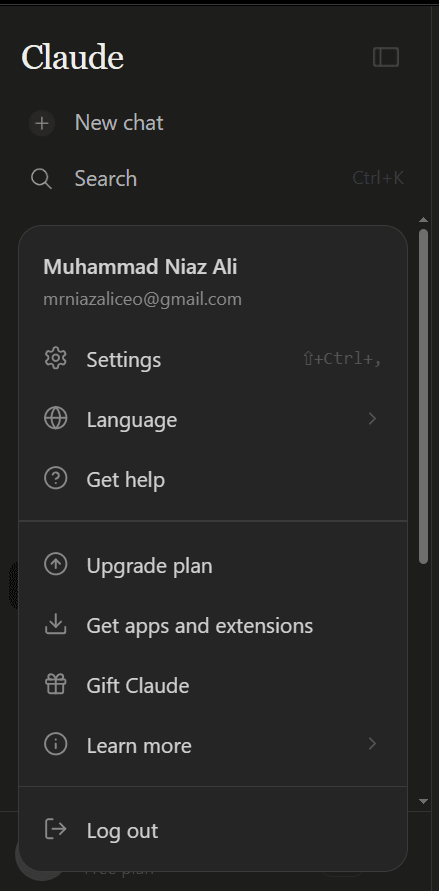
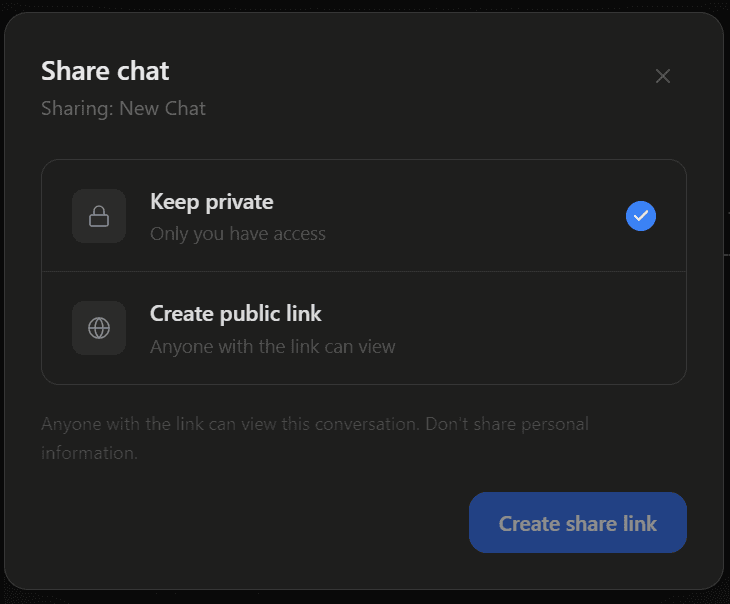
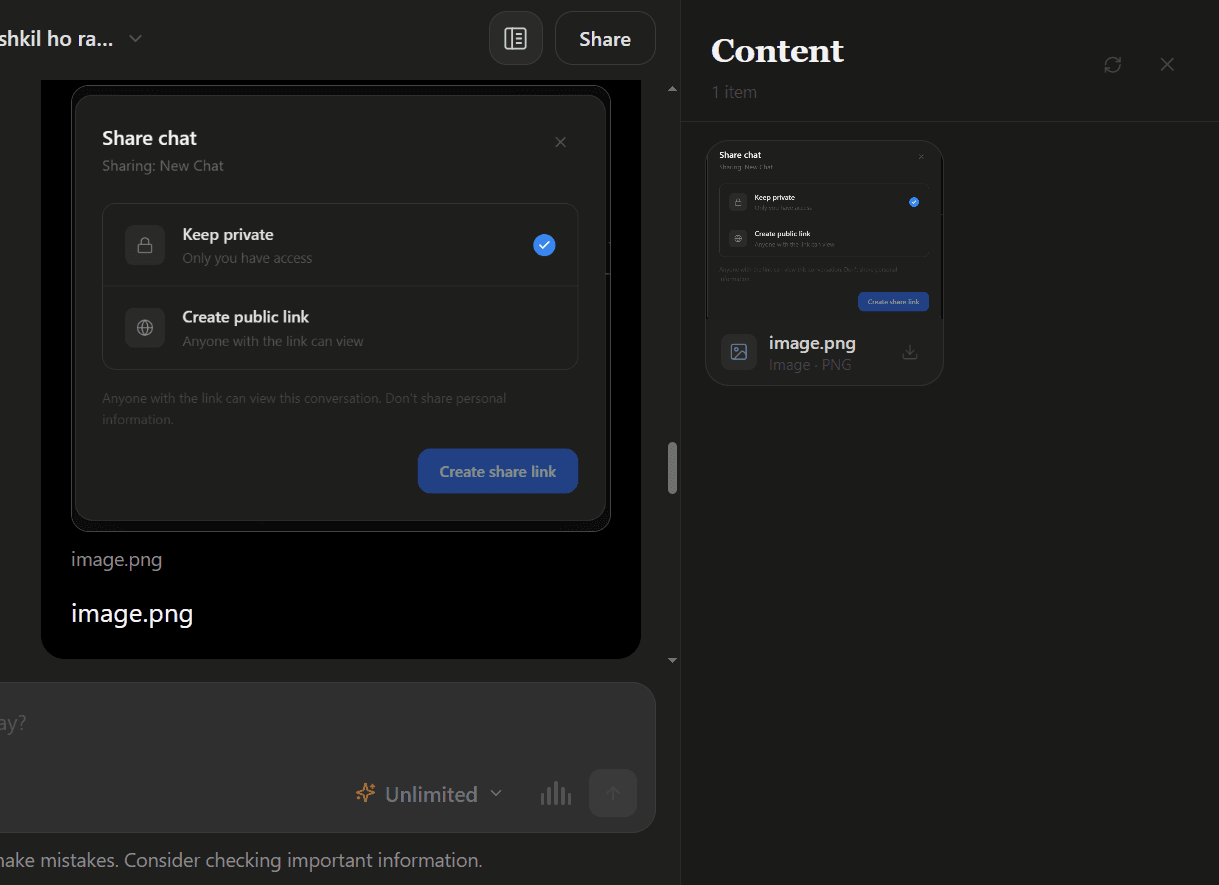
Share Chat Modal Full Sharing Functionality
Not just a UI — a complete sharing workflow. Users switch between private and public link modes. Public links are stored in Supabase, generate a unique slug, and resolve to a read-only conversation view without any auth required.
- Private / public toggle with radio cards
- Supabase-persisted share links with unique slugs
- Read-only public conversation view
- Real-time UI state sync on share toggle
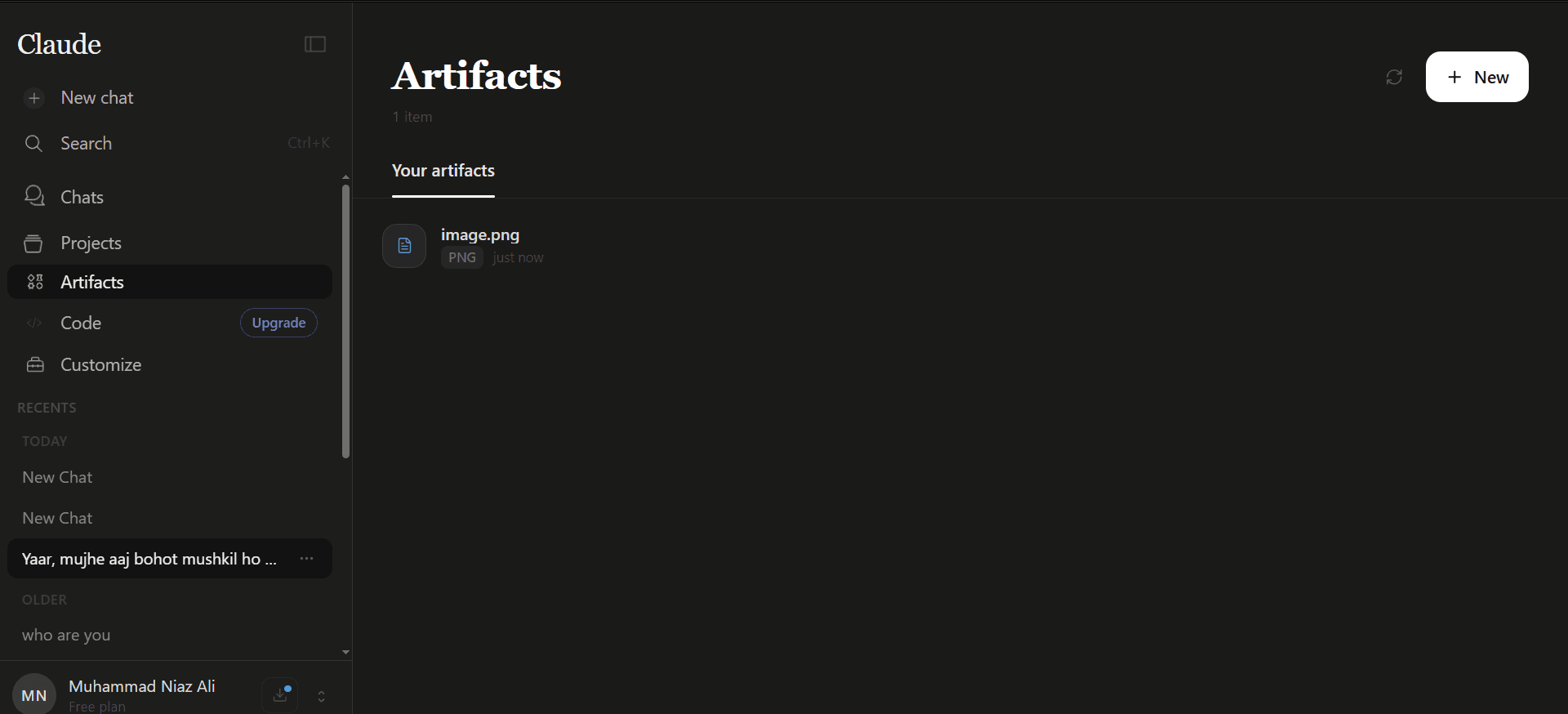
Artifacts Live Preview, Code View, Streaming
The artifacts panel opens alongside the chat when the AI generates code — split view, with live sandboxed preview on one side and raw code on the other. Artifacts stream in real time as tokens arrive.
- Split-pane chat and artifact layout
- Sandboxed iframe for safe live code execution
- Preview / Code tab toggle with syntax highlighting
- Real-time streaming artifact updates
- Copy and download from panel header
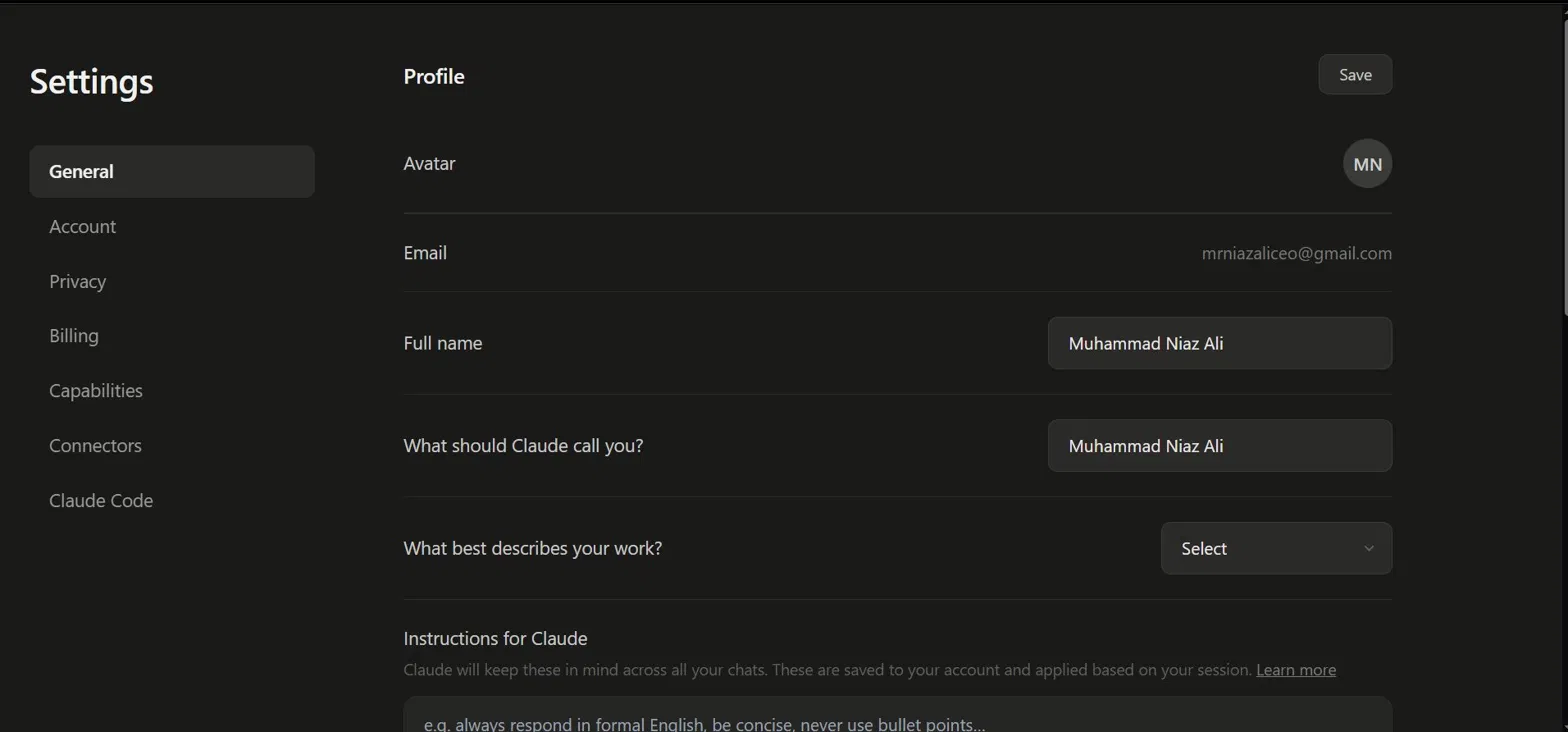
Settings — Profile & Custom AI Instructions
A full settings page with two-column layout — persistent section nav and scrollable content. Users can update their profile, set a display name, choose a work type, and write custom AI instructions that persist across every conversation as a system prompt prefix.
- Avatar uploader with initials fallback
- Editable name and email synced to Supabase
- Custom instructions textarea → system prompt injection
- Sections: General, Account, Privacy, Billing, Capabilities
- Settings saved and applied per session
Multi-Model Chain & Auto API Fallback
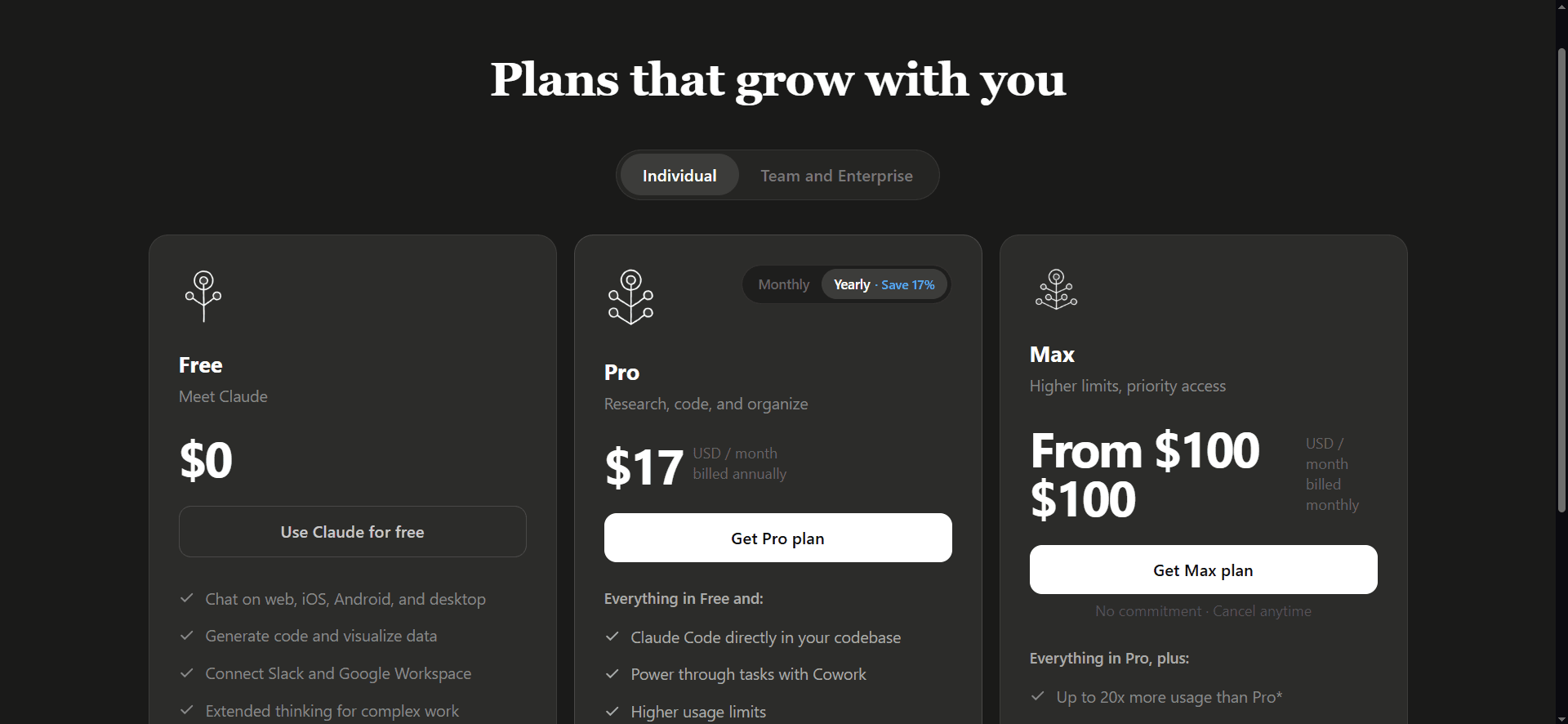
The plan page is live and monetization-ready. Behind the scenes, the AI engine chains multiple model providers: Groq → Mistral → Cohere → Cloudflare Workers AI → Ollama → OpenRouter. When one API hits its rate limit, the next kicks in automatically — no disruption to the user.
- Groq: primary fast-inference API
- Mistral & Cohere: secondary fallback tier
- Cloudflare Workers AI: edge-deployed fallback
- Ollama & OpenRouter: tertiary model access
- Solid prompt engineering layer across all models
- Zero user disruption on API limit crossover
Start a Project
Want a full-stack application built at this level? Let's build it together.
Start a Conversation